
Published 2026-07-24
How to Teach Kids to Read an Analog Clock (Free, Read & Set Modes)
Ask a child the time and they may read a digital display instantly, yet freeze in front of an analog clock. Two separate hands, and the fact that you also read the space between the numbers, are the first big hurdles. This guide sorts out what the hour and minute hands do, shows why setting a clock yourself (not just reading it) makes it stick, and walks through step-by-step practice with a free tool.
Analog clocks are hard because there are two hands
The core difficulty of an analog clock is that its two hands point at different things. The short hand (hour hand) shows the hour; the long hand (minute hand) shows the minutes. When those roles blur, kids make swaps like "the long hand is on 3, so it’s 3 o’clock."
The hour hand’s position is especially tricky. At "half past three," the short hand is not on 3 but between 3 and 4, so kids wonder "is it 3 or 4?" The shortcut is a rule practiced over and over: read the number the short hand has just passed.
- Keep the roles apart: short hand = hour, long hand = minutes
- The hour hand can sit between numbers (read the one it just passed)
- Anchor the minute hand: 12 is 0 minutes, 6 is 30 minutes
- Counting by fives (5, 10, 15…) is the foundation for reading minutes
Read and Set — learn by output and input
Clock lessons often stop at reading a clock and naming the time. But whether a child truly understands shows when you flip it: "make it 7:15," and they have to move the hands themselves. Going back and forth between reading (output) and building (input) turns rote guessing into real understanding.
Setting the hands also reveals a key property of a real clock: sweep the long hand all the way around and the short hand creeps toward the next number. Feeling that linkage makes it click why the hour hand sits between 3 and 4 at half past three — something a paper worksheet can’t easily show.
How to play (Clock Read)
The free tool Clock Read lets kids practice reading an analog clock in two modes. Everything runs on your device and no time data is sent anywhere (speech uses your device’s built-in voice, and chimes are synthesized on the fly).
The steps:
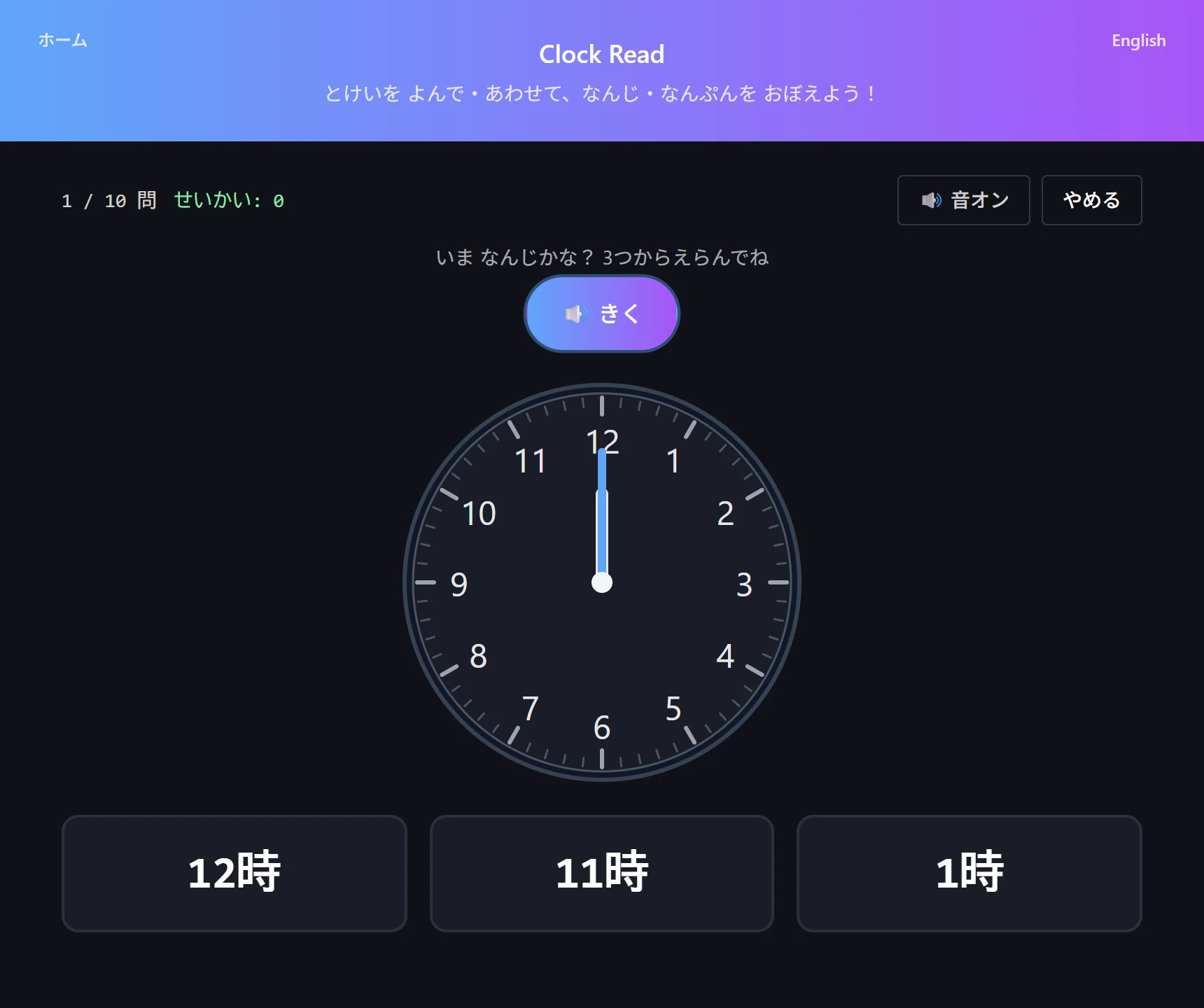
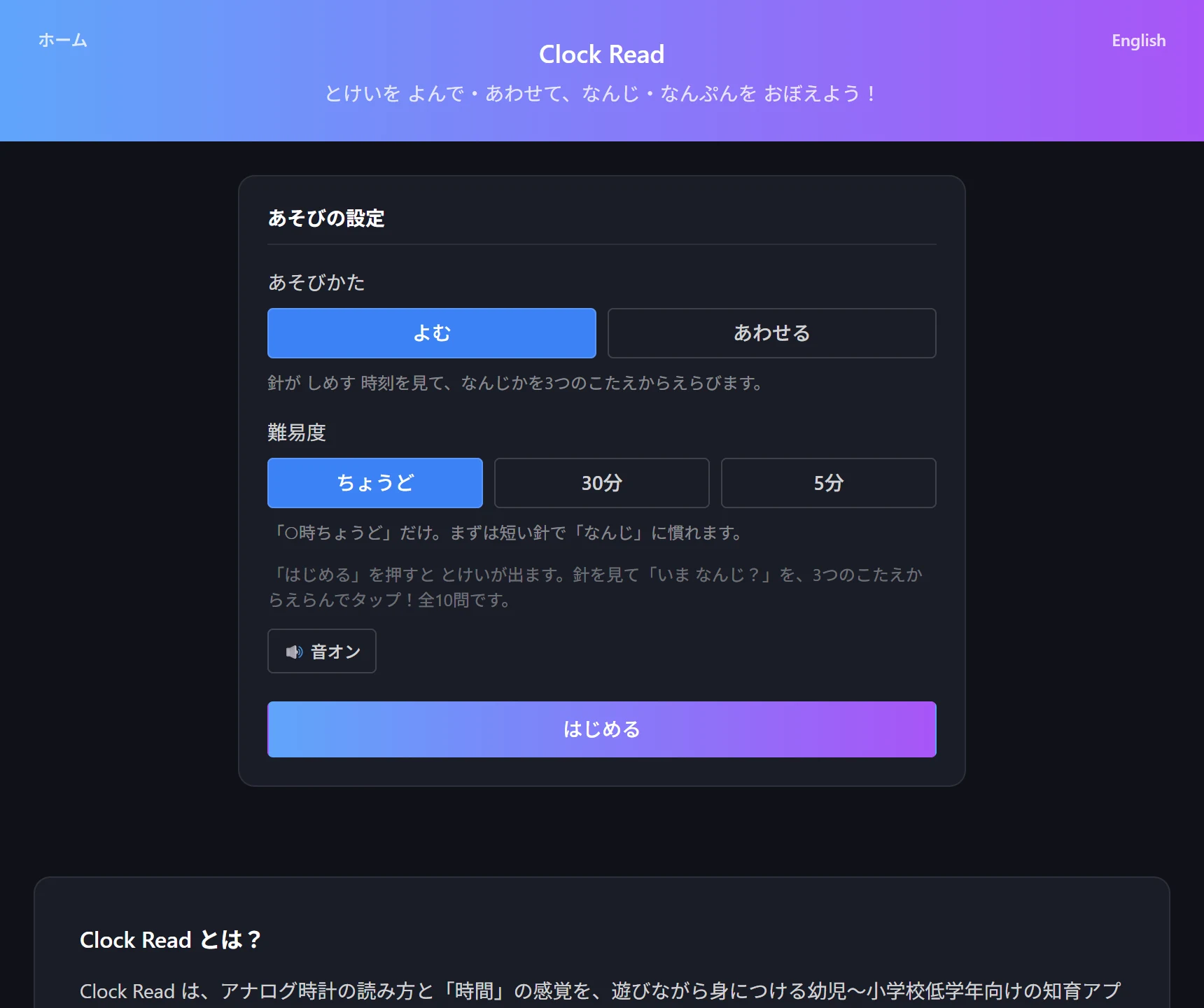
- Open Clock Read and choose a mode (Read = look at the hands and pick the time from three choices; Set = drag the hands to match a given time)
- Choose a difficulty (o’clock = exact hours / 30 min = to the half hour / 5-minute steps)
- In Read mode, look at the clock and pick the time from three options
- In Set mode, drag the hour and minute hands; moving the long hand nudges the short hand too, just like a real clock
- 10 questions per round. Your best per difficulty is saved on the device as a target for next time
Tips for teaching in stages
Jumping straight to five-minute steps trips kids up on both reading and counting. Start with “o’clock” to get comfortable with the hour hand, then “half past” to learn the long hand on 6, and only then five-minute steps. Climbing one rung at a time is the surer route, even if it looks slower.
Tie it to daily life, too. “Snack when the long hand reaches 12,” “bath at the 6” — pairing clock shapes with everyday events turns numbers into something real. To finish, set the same time on a real clock at home; the learning locks in.
Try the tool featured in this article — free, right now.
Use Clock ReadFrequently asked questions
- Q. What age is this for?
- A. A good sign is when a child can read the numbers 1–12 and is starting to count by fives (5, 10, 15…). Begin in "o’clock" mode, reading together with a grown-up at first.
- Q. If they can read a digital clock, can analog wait?
- A. An analog clock builds a feel for how much time is left or has passed — "15 more minutes," "almost half." Analog faces are still all around us, so getting familiar early avoids trouble in daily life.
- Q. Is any data saved or sent?
- A. Only the best result per difficulty is stored in your device’s localStorage. Time is read aloud with your device’s built-in voice, and there is no external communication or upload.