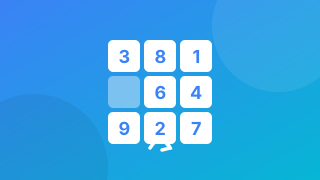
Published 2026-07-09 ・Last updated 2026-07-31
Train Focus and Peripheral Vision with a Schulte Table (Free)
Tapping numbers scattered across a grid, in order from 1, as fast as you can — this task, the "Schulte table," is known for training focus and peripheral vision (the width of your view). This guide covers what it trains and how to play a free game where the numbers keep moving to make it even harder, with tips to improve.
What is a Schulte table?
A Schulte table places numbers randomly in a square grid, and you find and tap (or point to) them in order from 1. It has long been used to train attention and visual search.
To go fast, you can't search with the center of your gaze alone — you have to take in the whole field softly and spot the next number. That is why it's said to exercise using your peripheral vision to pick up information quickly.
Moving the numbers stops you solving it from memory
Repeat a fixed Schulte table a few times and most people converge on the same strategy: they partly memorise the layout and start recalling rather than searching. The times drop, but what is being trained has quietly become short-term memory instead of visual search.
Slide Tap Number keeps swapping numbers precisely to close that loophole. With swaps happening under a second apart, "the 7 was bottom-left" is invalid a moment later. There is nothing to do but look at the board again.
In exchange, something the fixed version does not have appears. Between spotting the number you want and your finger arriving, that number may have moved. It takes not just finding but continuing to track what you found — the same Schulte task, but a noticeably different one to play.
Difficulty is grid size multiplied by how the swaps happen
The three levels differ in more than board size: the swap interval and the number of pairs swapped at once change too.
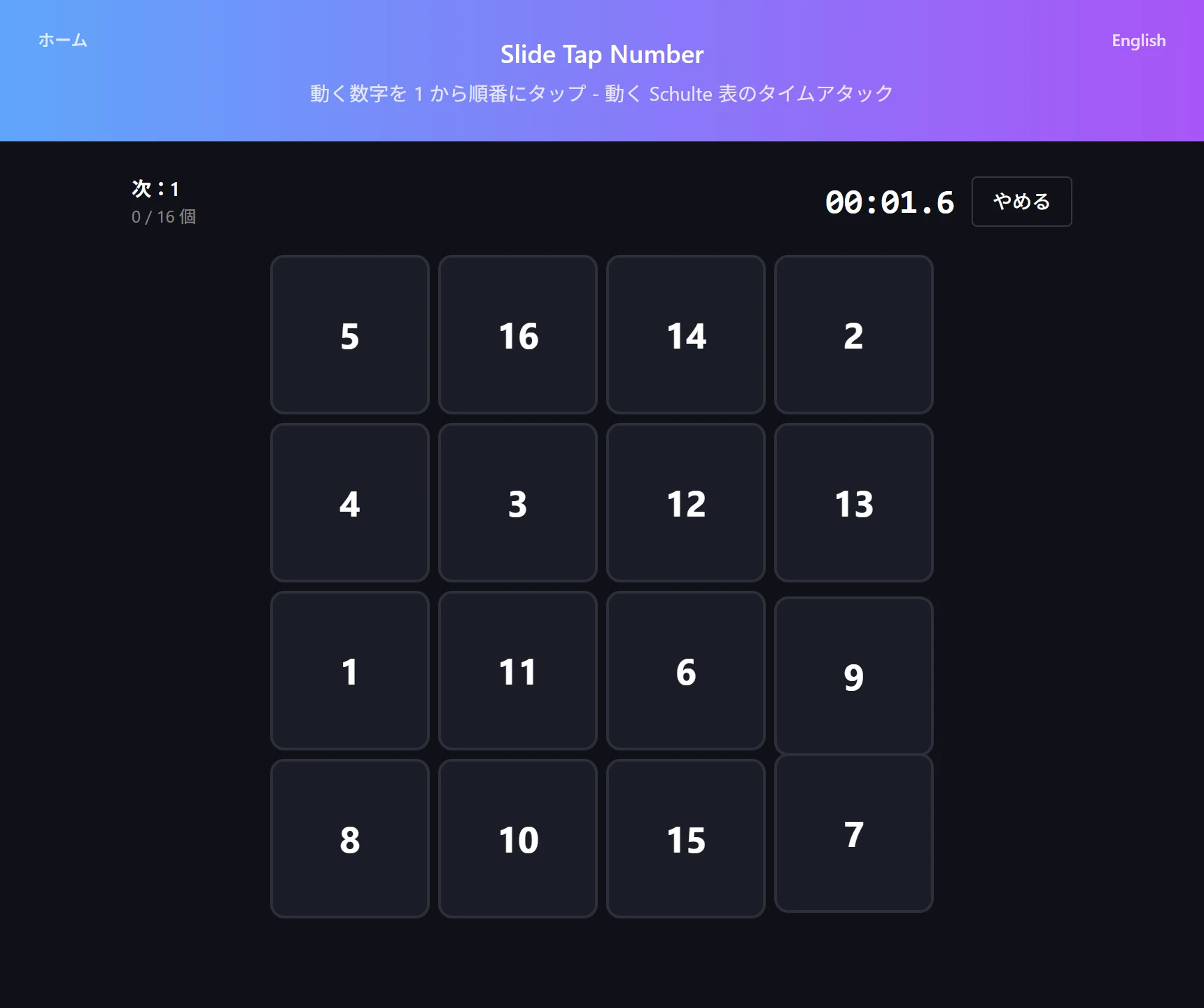
Easy is 3×3 (9 cells) with one pair swapping every 1.0 seconds. Normal is 4×4 (16 cells) with one pair every 0.8 seconds. Hard is 5×5 (25 cells) with two pairs swapping simultaneously every 0.7 seconds.
That last detail — two pairs at once, only on Hard — is what really bites. With a single pair, when something moves at the edge of your vision there is exactly one thing to follow. With two, movement can happen elsewhere at the same time as the number you were tracking, so a decision about which to follow gets inserted. That simultaneity raises the difficulty more than going from 16 cells to 25 does.

How to play (Slide Tap Number)
It is a time attack, so the target is how long it takes to clear the whole board. A wrong tap adds two seconds.
- Open Slide Tap Number and choose a difficulty (Easy 3×3 / Normal 4×4 / Hard 5×5)
- Tap the numbers as fast as you can, in order from "1"
- Numbers swap with a neighbouring cell at a fixed cadence, so track them while you search
- A wrong tap costs +2 seconds. Clearing every number ends the run, and the best time is kept per difficulty
What faster players actually do
The biggest single change is where you park your gaze. Checking cells one at a time means up to nine saccades on even a 3×3 board. Resting your eyes near the centre and taking the board in softly as a whole lets you pick up numbers that land in peripheral vision without moving your eyes at all.
The second is not mashing. The +2 seconds is heavier than it feels — a single miss undoes the gain from rushing. The moment of a swap is especially risky, because the cell you aimed at is in motion. Waiting a beat after movement settles usually finishes the run sooner.
If you plateau, drop a level rather than climbing one and aim for a clean, error-free run. Speed follows once accuracy is stable.
An honest word about the benefits
Schulte tables are widely promoted as training for focus, peripheral vision and speed reading. But whether grinding this task transfers to everyday reading speed or attention itself is not clearly established. It is the standard brain-training caveat: getting better at a task and getting better at daily life are different claims.
So no large promises here. What can be said confidently is that it lets you repeat, many times in a short span, the act of scanning a whole field for a specific target. One run takes tens of seconds, so it slots neatly into a break. Treating it as a way to reset your attention, or as a warm-up before work that needs concentration, is the description that actually matches reality.
Try the tool featured in this article — free, right now.
Use Slide Tap NumberFrequently asked questions
- Q. Does it help with speed reading?
- A. Schulte tables are commonly presented as training for peripheral vision and visual search, and sometimes as part of speed-reading practice. There is no clear evidence that improving at this task transfers to reading speed itself, so treat it as practice at scanning a wide field for a target rather than a reading method.
- Q. How much should I do each day?
- A. Short, repeated sessions suit it better than long ones. A run takes tens of seconds, so a few during a break works well.
- Q. Hard suddenly feels much harder
- A. Because 5×5 not only adds cells but is the only level where two pairs swap at the same time. Having multiple things to track at once raises the felt difficulty more than the extra cells do. Move up once clean runs on Normal are reliable.
- Q. Is my record saved?
- A. Only your best time per difficulty is saved, in your device's localStorage. The game has no code that sends your taps or times anywhere (the page, like the rest of the site, still carries analytics and ads).