Published 2026-07-10 ・Last updated 2026-08-07
How to Start Typing for Kids (Free Balloon Game, from Age 6)
Want to get your child comfortable with a keyboard but not sure where to start? For a first typist, learning where the alphabet keys are matters more than perfect finger placement. This guide covers how kids around age 6 can start typing without getting stuck, plus how to practice with a free tool that reads each floating balloon's letter aloud as you press the matching key.
Start with where the keys are
The biggest hurdle for a first typist is that the alphabet keys are not in ABC order — they follow the QWERTY layout. Since "B" is not next to "A", kids need to learn where each key sits, one at a time.
So at first, prioritize a feel for roughly where each letter lives over perfecting the home-row finger placement. Once the positions are familiar, good finger habits follow naturally.
- See a single uppercase letter, find it, and press it
- Learn the rough location of each key
- Bring in the home row once it feels comfortable
- Prize accuracy first; speed comes later
A way in for children who cannot read the letters yet
At around six, plenty of children still cannot read every uppercase letter. Waiting until they can pushes their first contact with a keyboard further and further out.
Balloon Type reads each balloon's letter aloud precisely so that order can be reversed. A child who cannot yet read the shape "T" still hears "tee" and can hunt for the matching shape on the on-screen keyboard. Learning to read letters and learning where the keys are become two separate tracks that can advance independently. Seeing the shape, hearing the name and pressing the key all at once means the letters end up being learned anyway.
What makes this work is that everything to compare sits inside one screen. Propping a printed alphabet chart beside the device sends the eyes back and forth, and some children lose track of what they were looking for during the trip. With the balloon letter and the keys in the same frame, it is just a matter of matching shapes.
The difficulty gap is about how many balloons appear at once, not speed
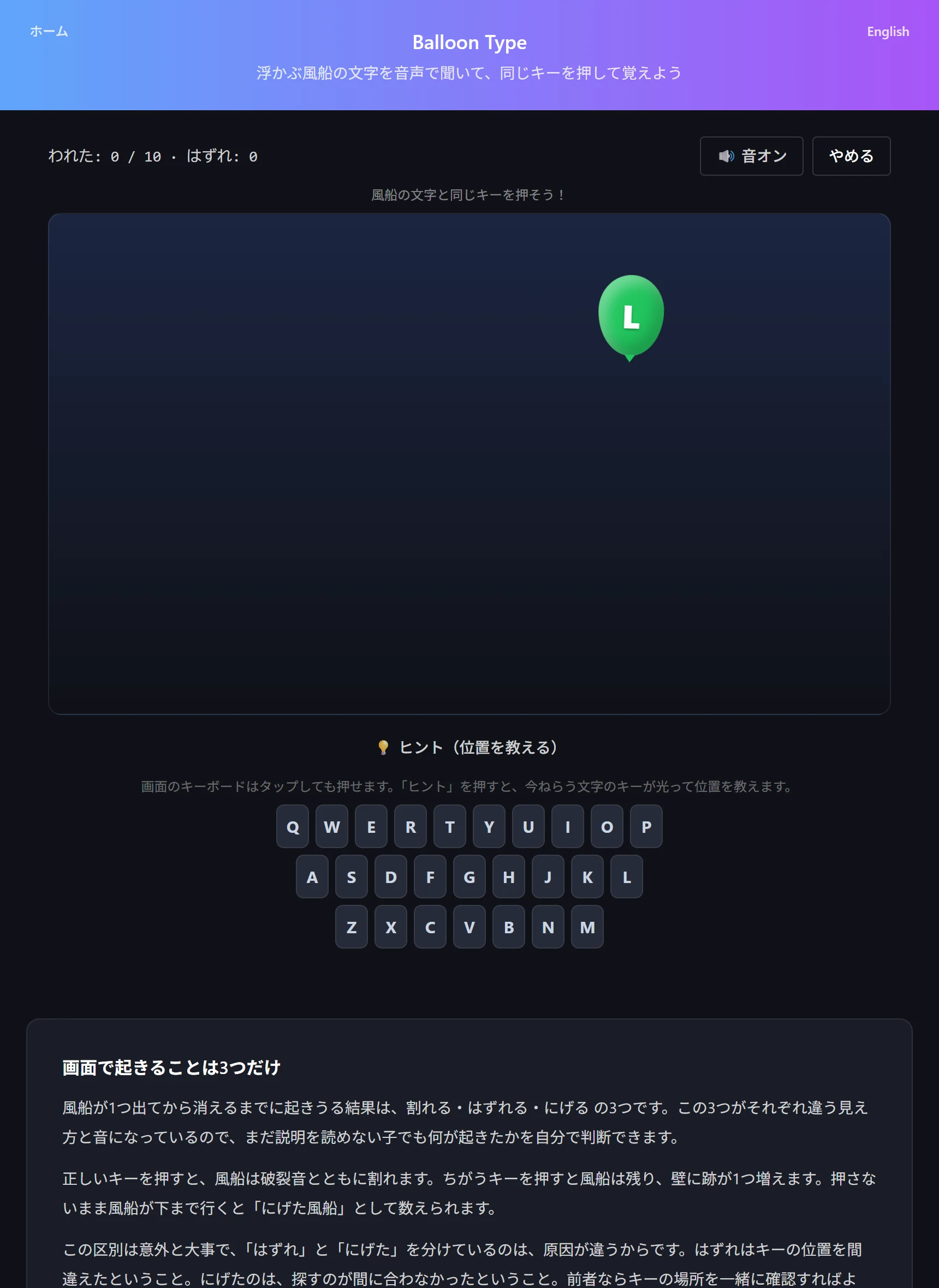
The three levels do not just change how fast balloons fall. What actually bites is how many are on screen at the same time.
Easy shows one balloon at a time and gives it 15 seconds before it is gone — plenty of hunting time. Normal allows two at once with a 10-second fall. Hard allows three at once with a 6.5-second fall.
The difference in feel is large. Easy is a game about finding a key; Hard is a game about deciding which balloon to pop first. With three on screen, the lowest one has to be dealt with or it escapes. That is less a typing skill than an attention-splitting one.
So when a child stalls on Normal, do not assume it is a speed problem. A child who can press keys fine one at a time but freezes with two is stuck on choosing an order, not on key positions. Rather than dropping back to Easy, saying "go for the lowest one" usually gets them through faster.
How to play (Balloon Type)
One set is ten balloons. Speech and sound effects are generated inside the browser, so nothing is uploaded.
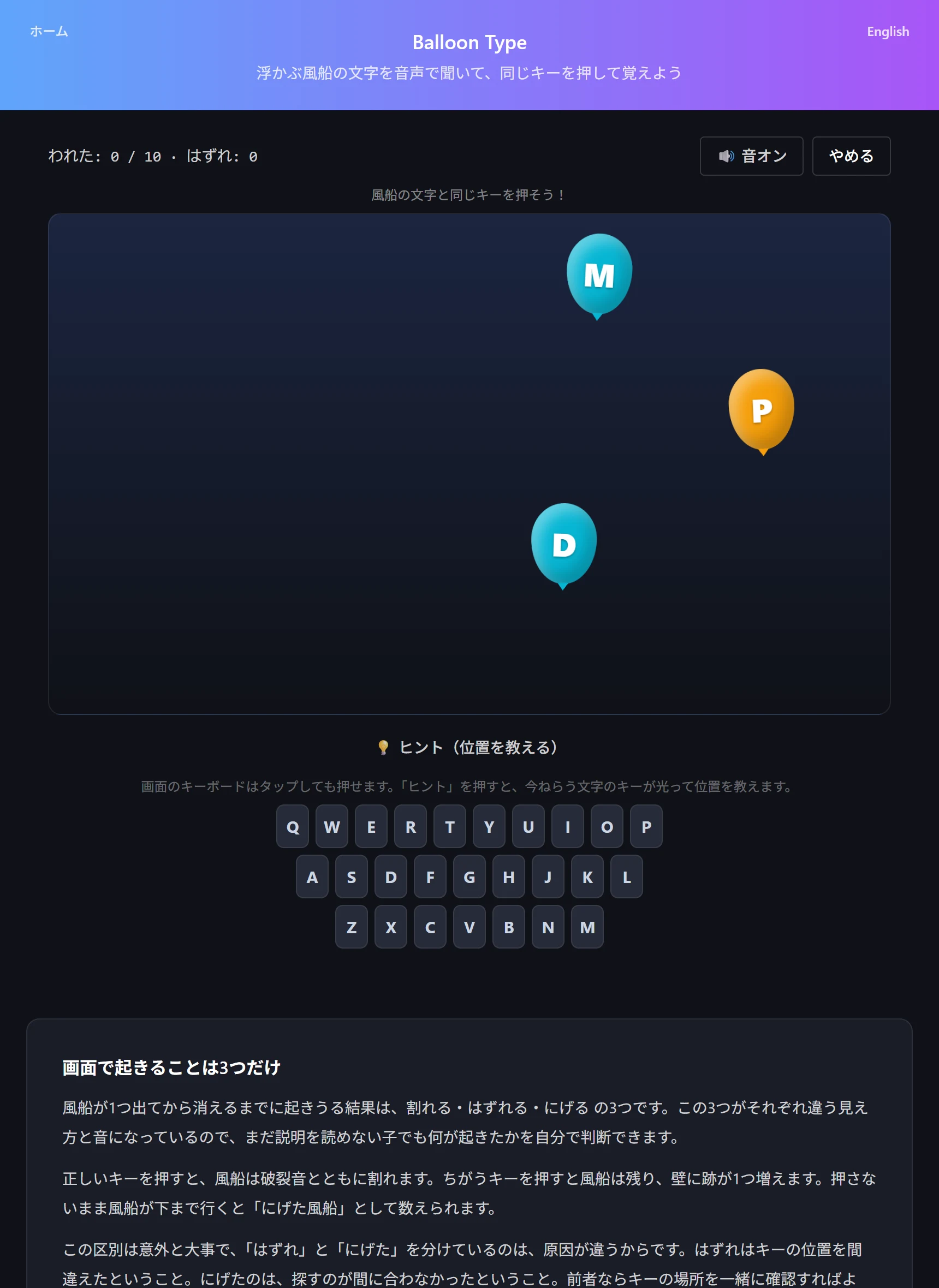
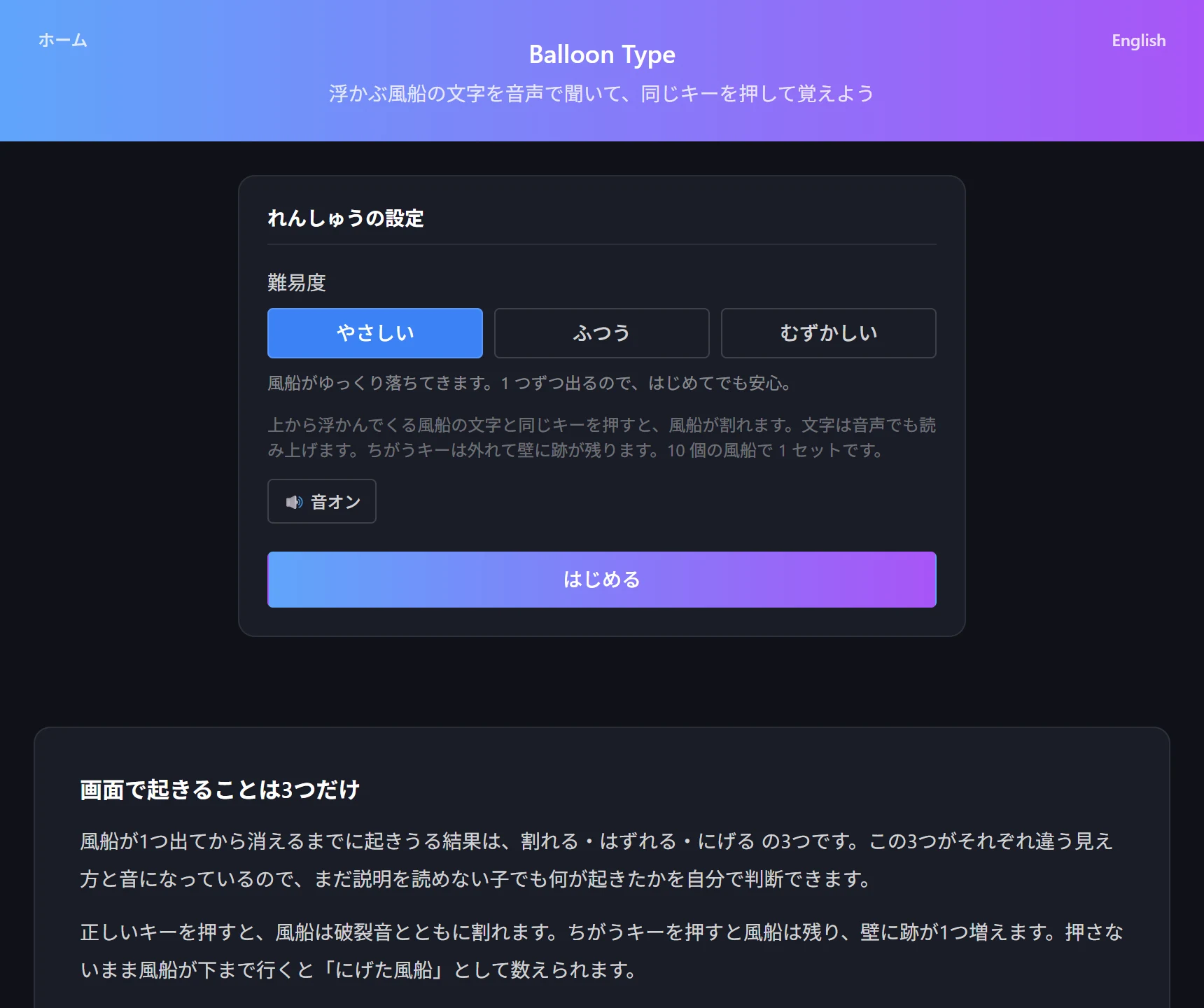
- Open Balloon Type and choose a difficulty (Easy / Normal / Hard)
- Press start and balloons begin drifting up the screen
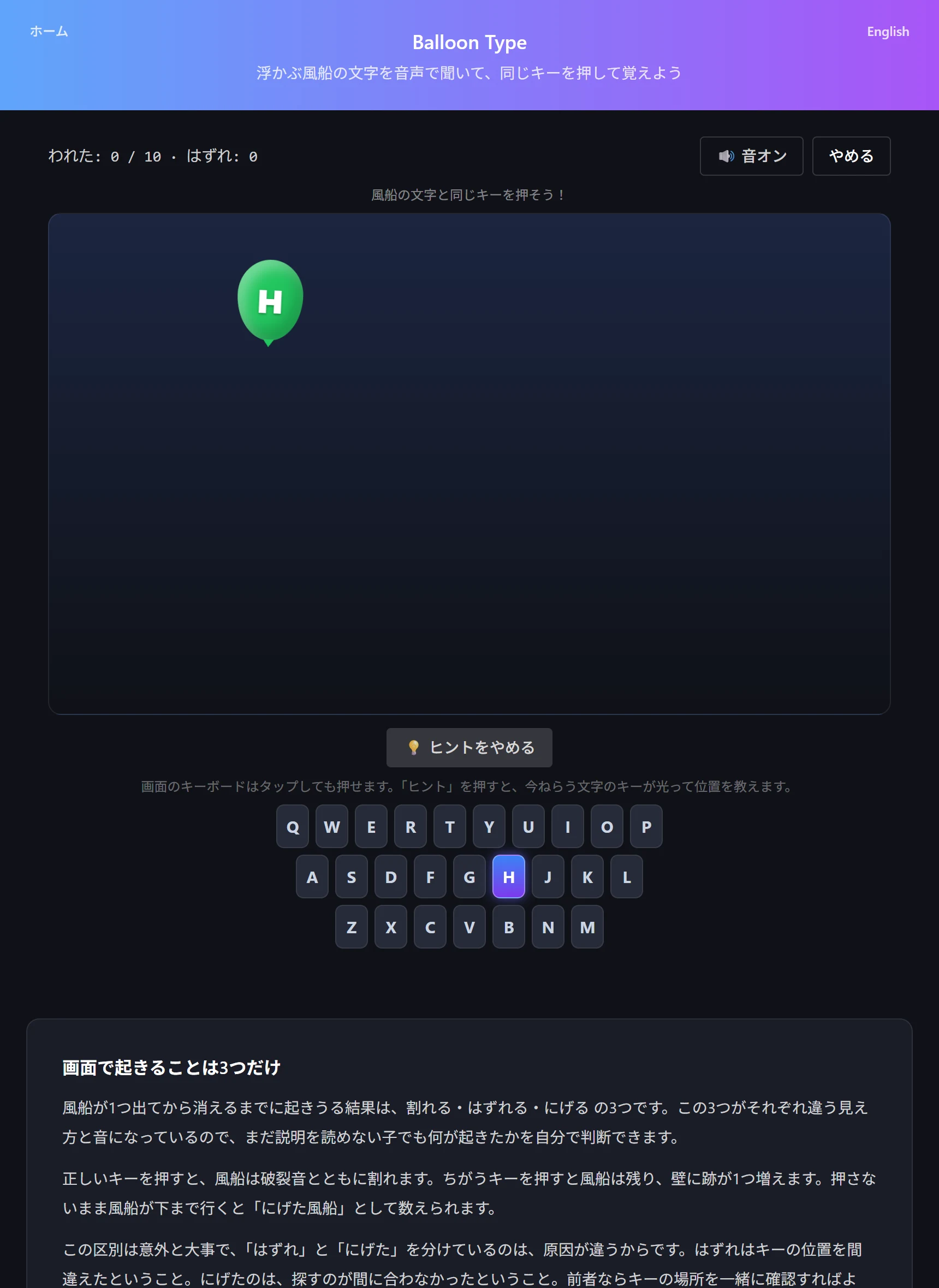
- Press the key matching the balloon's letter to pop it; the letter is read aloud as well
- If a key cannot be found, press "Hint" and the key you need lights up
- The on-screen keyboard can be tapped, so devices without a physical keyboard play the same way
When to teach the home row
Opinions differ, but for a child starting around six, not demanding correct fingering keeps them going. One index finger is fine; so is both hands landing wherever.
The reason is simple: knowing where keys are and pressing them with an assigned finger are two separate problems. Demanding both at once leaves each half-learned and adds the impression that typing is hard. Positions first. Finger assignments can wait until keys can be pressed without looking.
A reasonable trigger for the switch is when about half the keys can be hit without watching the on-screen keyboard. By then a child starts to feel that fixed fingers would be faster, so the instruction meets much less resistance.
Until then, use "Hint" freely. The longer a child sits frozen because they cannot find a key, the more typing gets filed away as no fun. Lighting up the key, showing the location and letting them press it teaches the position faster than making them keep searching alone.
How to tell whether they are actually improving
The score — balloons popped — is easy to read but far too coarse a measure. On Easy, ten can be popped without knowing any key positions, simply by taking long enough.
Three things are worth watching instead. First, the miss count: it records how often a wrong key was pressed, so a downward trend means the layout is sinking in. Second, how often they look at the on-screen keyboard — the same score means something quite different if it was achieved without looking down. Third, the difficulty they can hold: once Normal is stable, searching has reached a usable speed.
How long any of this takes varies so much with starting age and alphabet familiarity that giving a general timeline would be misleading. What can be said is that at one or two sets a day, changes in the miss count become visible within days. Checking that together is the most rewarding way to keep going.
- Is the miss count falling? (key positions settling in)
- Are they looking at the on-screen keyboard less often? (same score, different substance)
- Can they hold Normal? (searching has reached a usable speed)
Try the tool featured in this article — free, right now.
Use Balloon TypeFrequently asked questions
- Q. Can we practice on a tablet without a keyboard?
- A. Yes. The on-screen keyboard is always shown and can be tapped. If a key cannot be found, press "Hint" and the key you need lights up.
- Q. Do I need to teach proper finger placement (home row) first?
- A. Not at first — getting familiar with where the keys are is enough, even with a single index finger. A good moment to introduce finger assignments is when about half the keys can be hit without watching the on-screen keyboard.
- Q. They could do Easy but Normal suddenly stopped working
- A. Most likely because two balloons now appear at once. If the sticking point is choosing which to pop rather than finding the key, telling them to go for the lowest one works better than dropping the difficulty.
- Q. Is any data saved or sent?
- A. Only the best score per difficulty is stored in your device's localStorage. The keys you press and your scores are not sent anywhere; the site's analytics and ads run as a separate, site-wide layer.