
Published 2026-06-14
How to Train Your Memory with Memory Match (Free Brain Training)
Memory Match — flipping cards to remember their spots and find pairs — is simple but a real workout for working (short-term) memory. It has a kids' game image, but holding a position and a picture in mind at once is genuine brain training for adults too. This guide covers tips for training memory with it and how to use a free tool to play.
Why memory match works your memory
In memory match you have to remember a flipped card's "position" and "picture" together and hold them until your next turn. This "temporarily holding and using information" is working memory — a key cognitive function involved in planning, mental math, and following conversations.
Because you update your memory repeatedly while hunting for pairs, you use focus and short-term memory at the same time. Even short, repeated sessions build a habit of enjoyable mental exercise.
Tips to improve
Rather than flipping at random, a deliberate approach raises your hit rate.
- Memorize the board along a fixed path (e.g., top-left in order) to systematize positions
- Focus on "which column / row it was in" more than the picture itself
- Build the habit of recalling a matching picture's position the instant you flip one
- Start with few pairs and increase gradually as you get comfortable
How to play
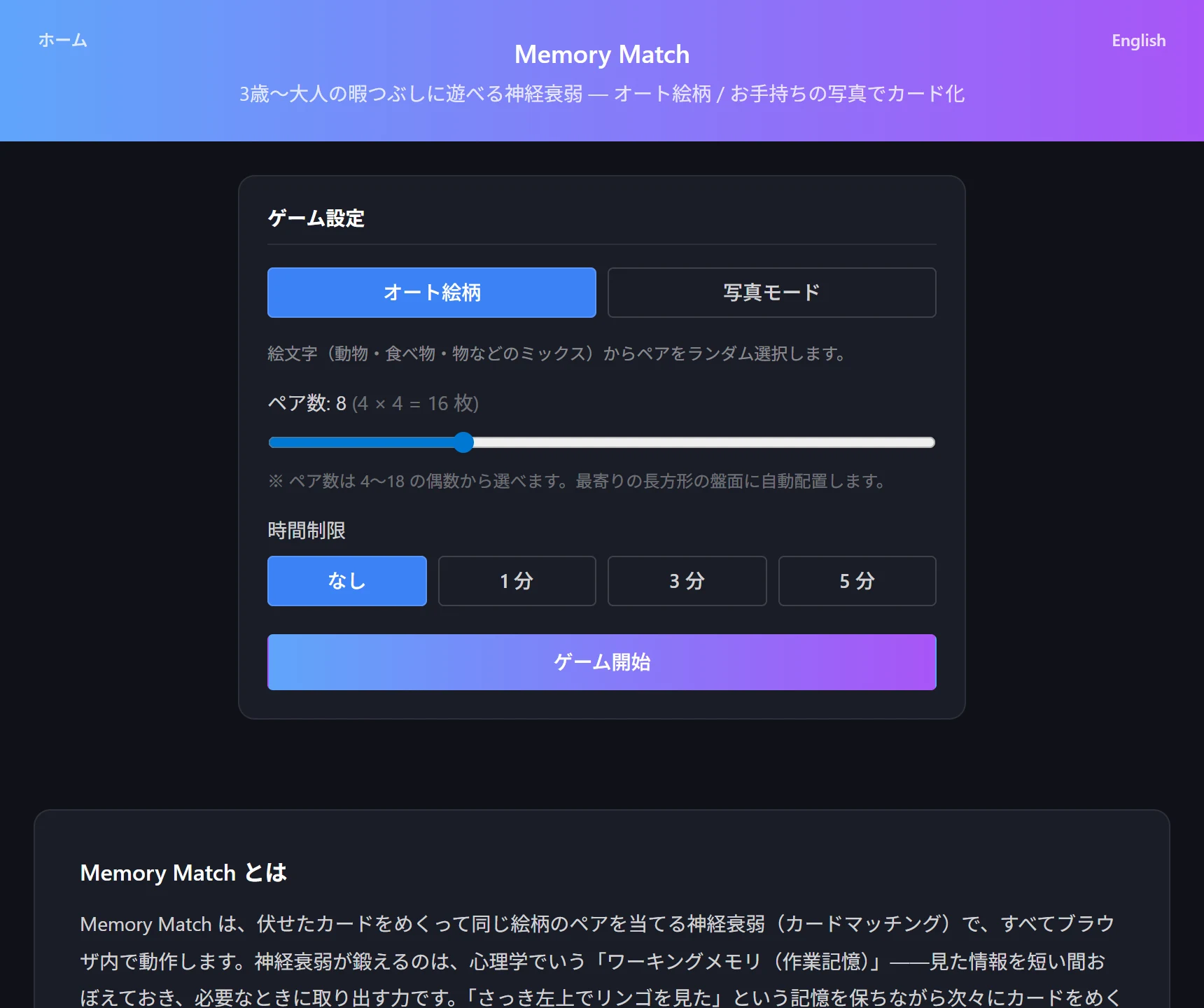
The free tool Memory Match offers two modes: an auto mode with emoji for quick play, and a photo mode that turns your own photos into cards. It runs fully locally with no external fetches.
The steps:
- Open Memory Match and choose auto (emoji) or photo mode
- Pick the pair count (4–18) with the slider to set difficulty
- Set a time limit if you like (none / 1 / 3 / 5 minutes)
- Flip cards to match pairs; your move count and time are recorded
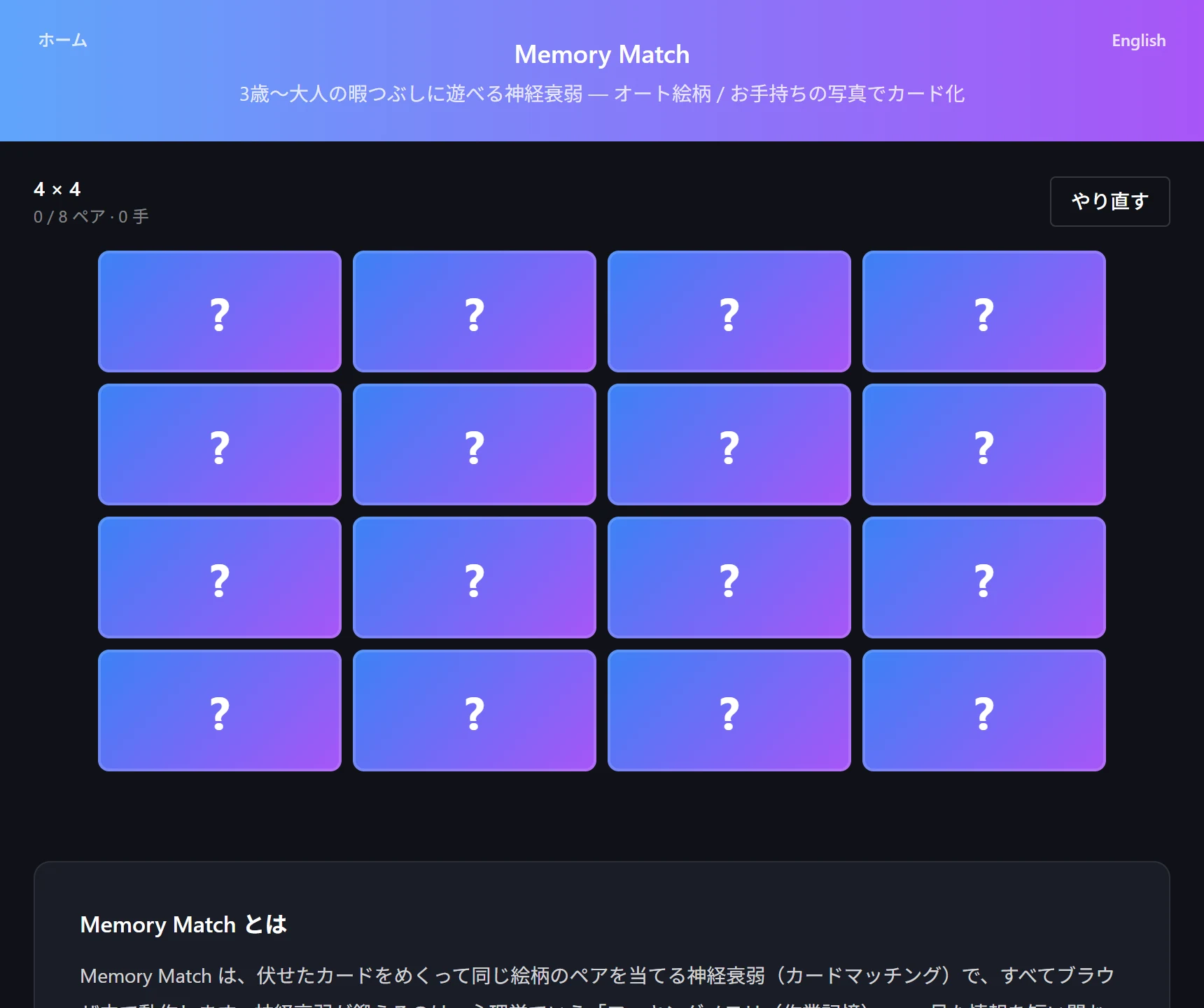
Keeping it fresh
The same pictures get stale, so use photo mode to turn favorite photos into cards for fresh play each time. With family or pet photos, it becomes brain training while you revisit memories.
Progress auto-saves if you stop partway, so you can chip away in spare moments. Add a time limit to enjoy it as a time attack that trains your recall speed.
Try the tool featured in this article — free, right now.
Use Memory MatchFrequently asked questions
- Q. Is it brain training for adults too?
- A. Yes. It uses working memory to hold position and picture at once, so raising the pair count makes it plenty challenging for adults. Short, repeated sessions are effective.
- Q. Can I play with my own photos?
- A. Yes. Photo mode slices your own photos into cards. Photos are processed in your browser and never sent to a server.
- Q. Can I resume if I stop partway?
- A. Yes. Card layout, flipped state, move count, and the timer are auto-saved, so you can resume after a reload.